Tiny tasks,
done quickly.
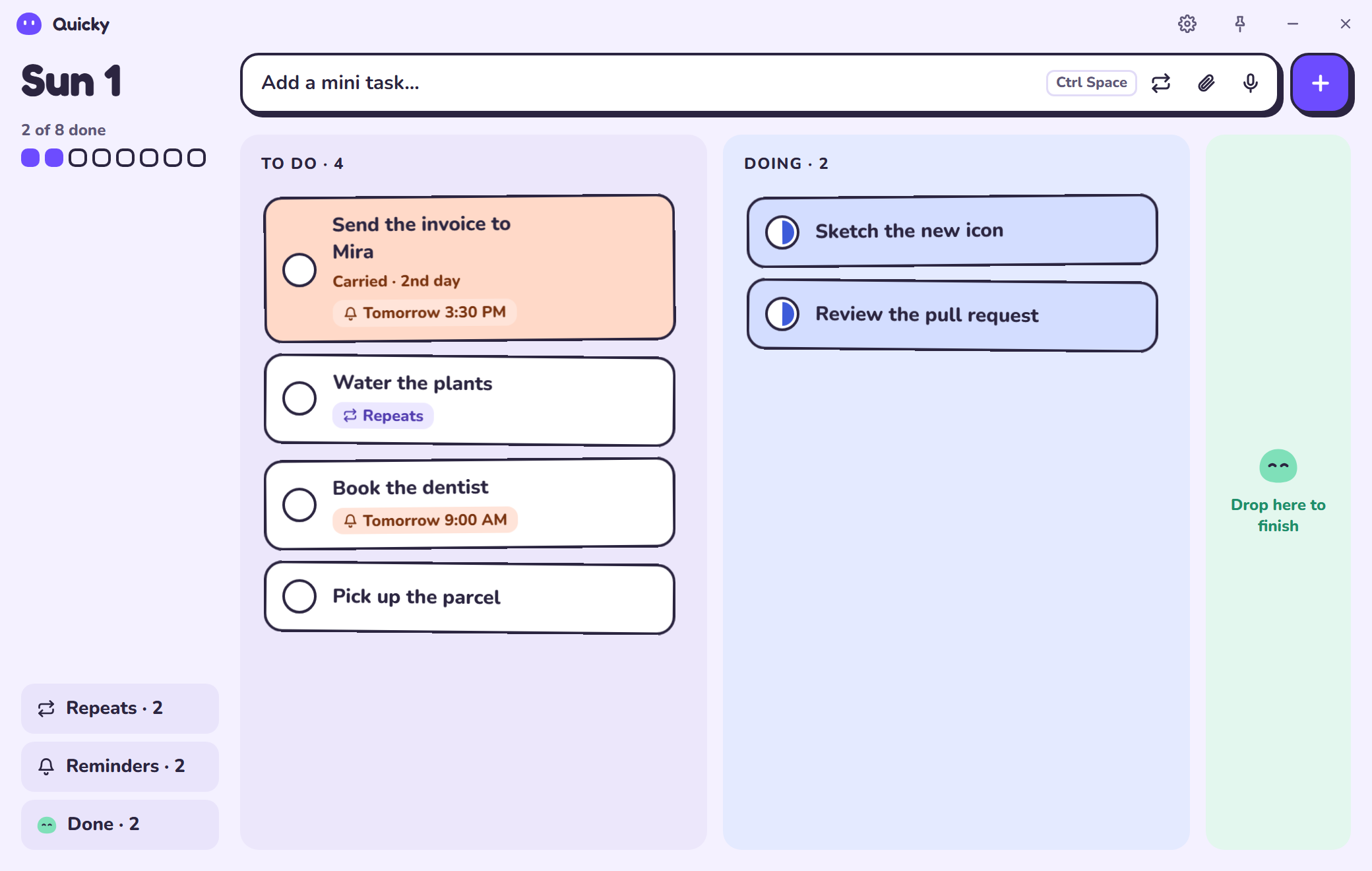
Quicky is a small, friendly task manager for Windows, macOS and Linux. Add a task in a second, move it from To do to Doing to Done, and let unfinished ones roll over to tomorrow on their own.
Free. Your tasks stay on your computer.

What it does
Small on screen, big on getting things done
Everything you need for a busy day, and nothing that slows you down.
Add from anywhere
Press the shortcut in any app, type, hit Enter. The task is in, and you're back to work.
Nothing gets lost
Anything not done moves to today on its own, tinted peach, so yesterday's leftovers are easy to spot.
A friend on screen
A little Quicky waits on top of your apps with a count of what's left. Click it, drag it, or tug it and watch it wobble.
Mini Quicky in your apps
Drag the bubble onto any app and it divides: that app gets its own mini Quicky with its own task list.
Reminders you'll notice
Once, daily, some days or every few minutes. When it's time, Quicky fills the screen until you answer, with quiet hours when you need them.
Your data, your PC
Tasks live in a plain file in a folder you pick. Put it in OneDrive or Dropbox and two PCs stay in step.
List, board or mini
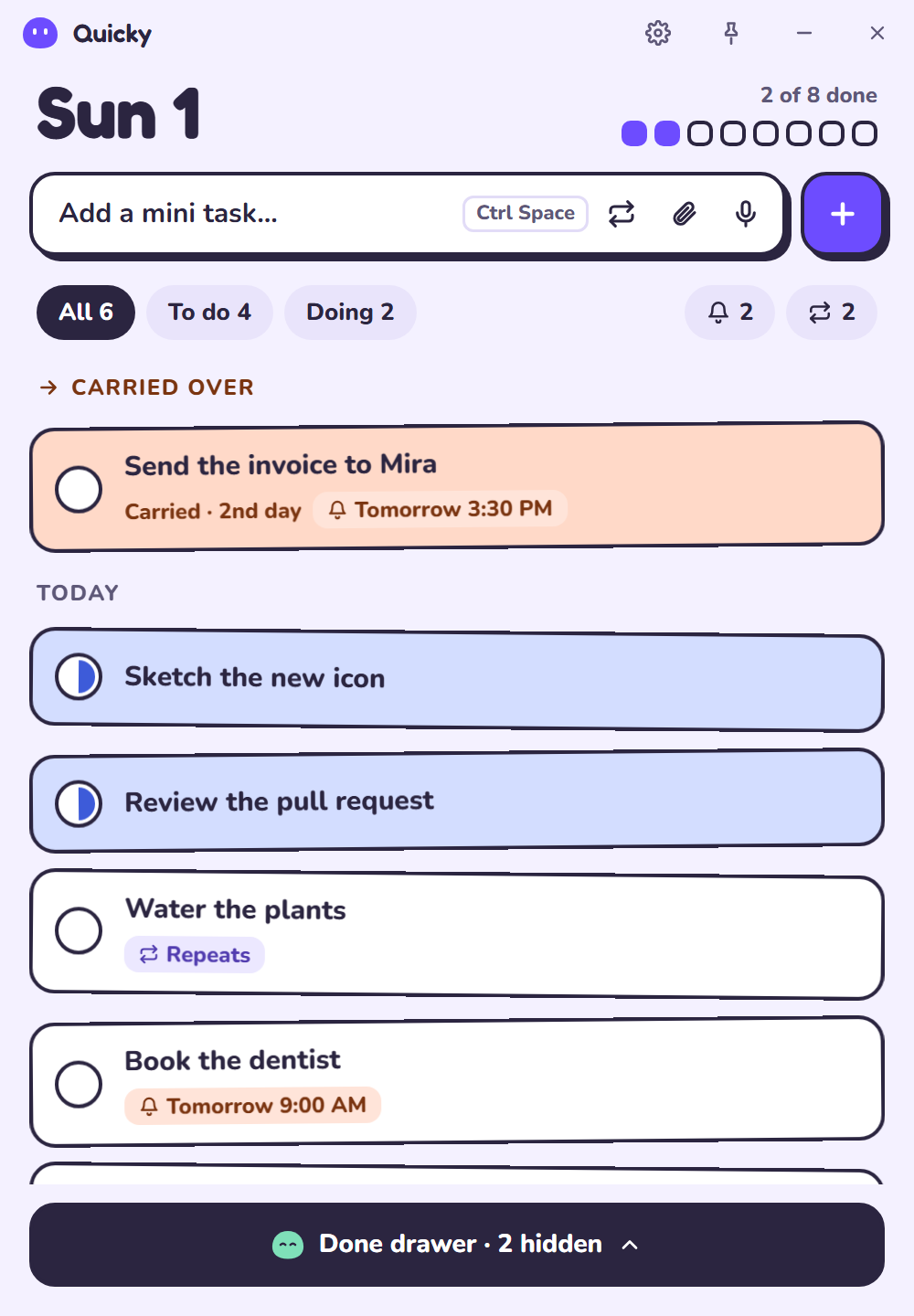
Drag the window to any shape: a tiny "next up" panel, a list, or a board with To do, Doing and Done columns.
Repeats and steps
Pick exact weekdays for routines, break tasks into small checklists, and attach files or voice notes.
Make it yours
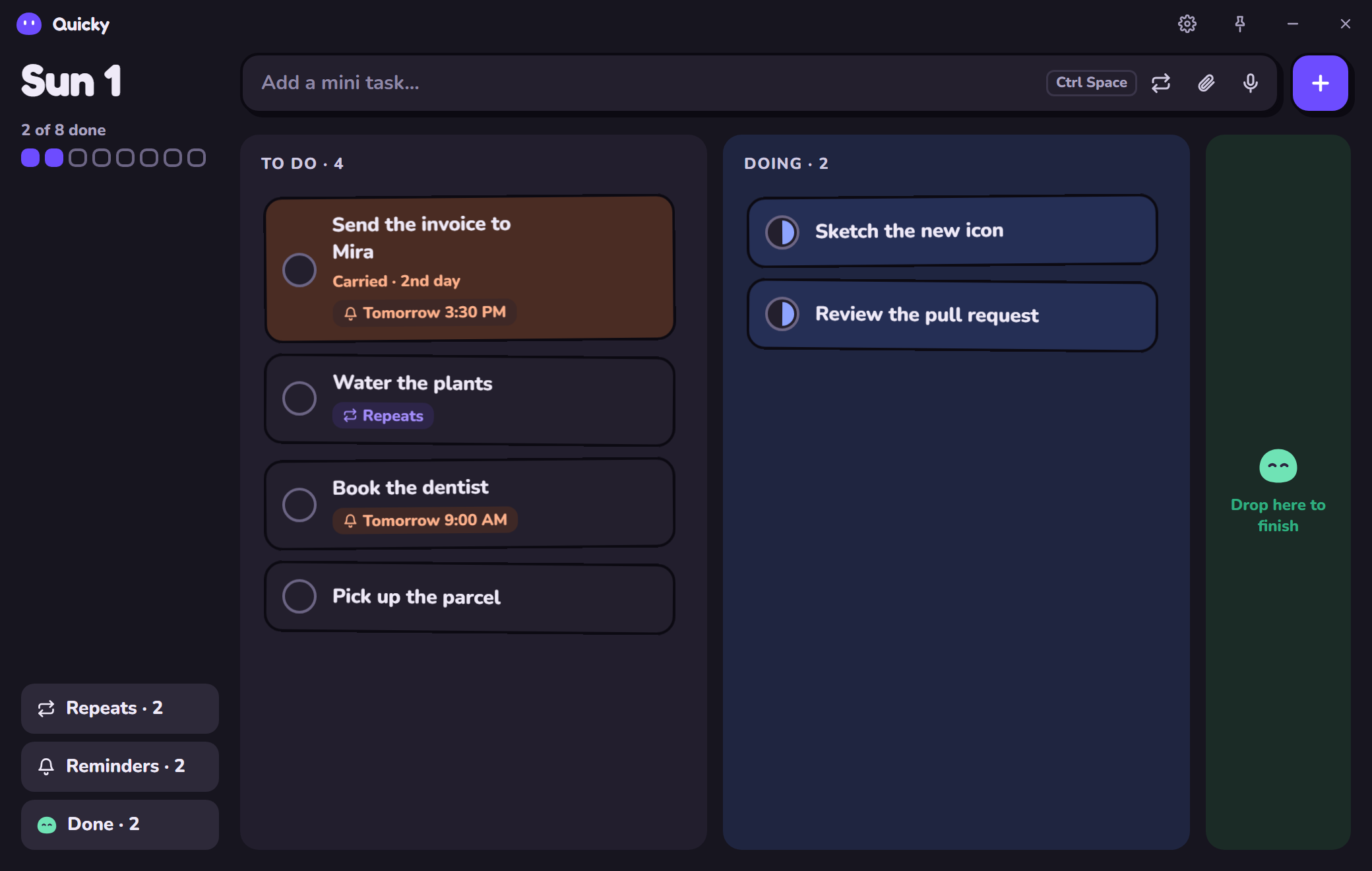
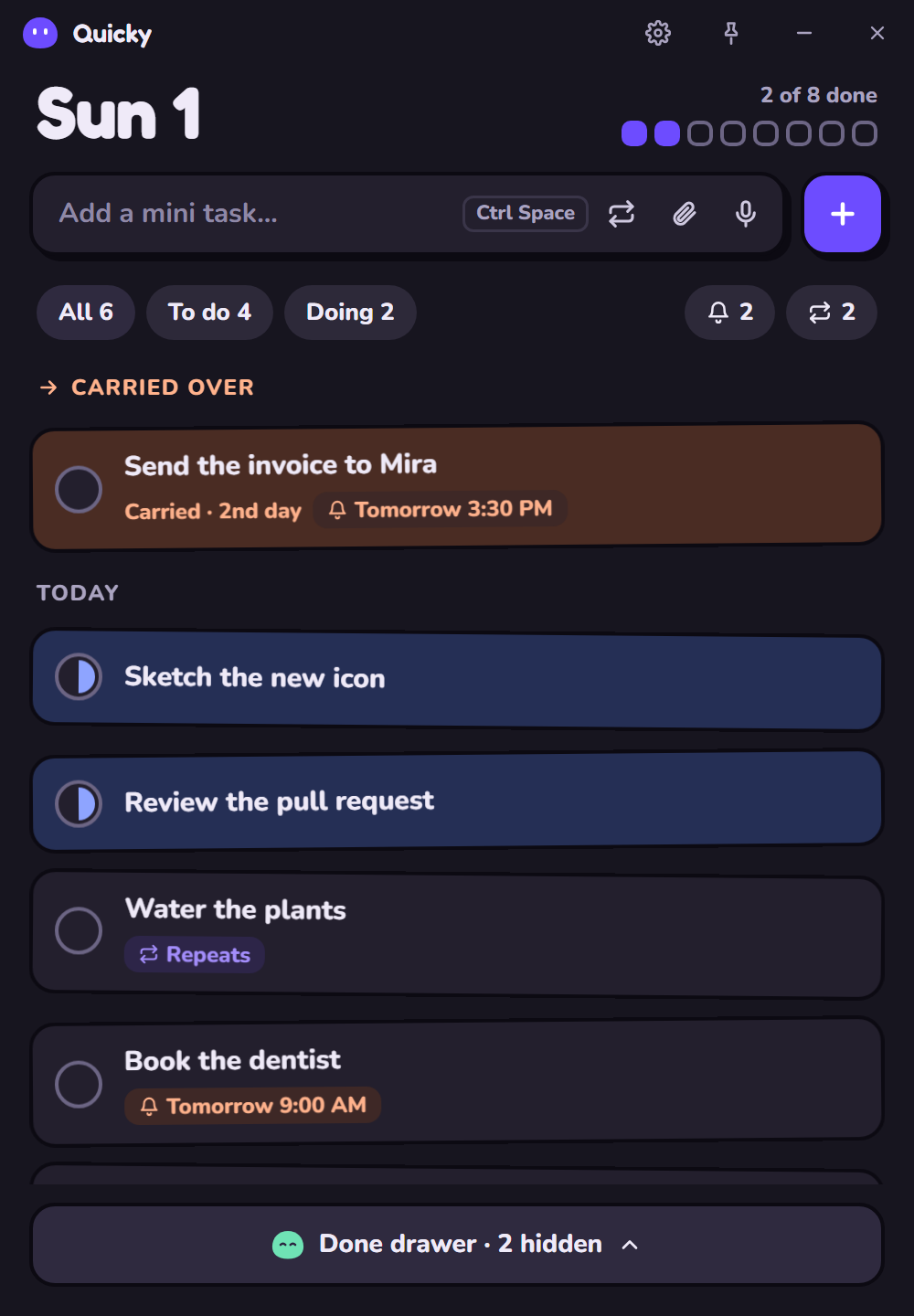
Five accents or any colour you like, light or dark, with little sounds you can turn off.
Keyboard first
Made for quick hands
Everything has a key, so you never reach for the mouse.
- Ctrl Space
- Open Quicky from anywhere
- Enter
- Add the task
- Ctrl F
- Search every list, done tasks too
- D Enter S
- Answer a reminder: on it, done, snooze
New: Projects
Plan together on a whiteboard
Sign in from Settings and add the Projects extension: a shared board for bigger plans.
- Task cards and sticky notes you can drag, resize and link with arrows
- Changes show up live for everyone on the board
- Invite people with a join code; change it any time to lock the project
- Your own tasks still stay on your computer
Share the code. Anyone with it can join.
Download
Get Quicky
Free for Windows, macOS and Linux. Quicky updates itself when a new version is out.
Windows
Windows 10 or 11. Installs for your user only, no admin needed. If Windows says "Windows protected your PC", click More info, then Run anyway.
Download for WindowsmacOS
macOS 11 or newer, Apple silicon and Intel. Drag Quicky into Applications. The first time, open System Settings, Privacy & Security, and click Open Anyway.
Download for macOSAll versions are on GitHub.